AdGuard for Windows
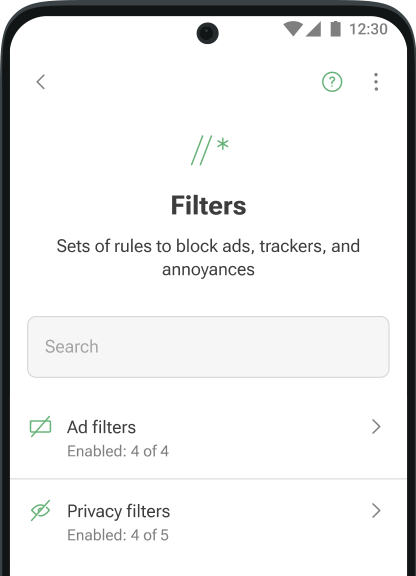
- Blocks ads everywhereBlock ads everywhere on your device, including all types of ads in your apps, browsers, games, and websites. AdGuard has dozens of ad filters that are constantly updated to ensure the best filtering quality
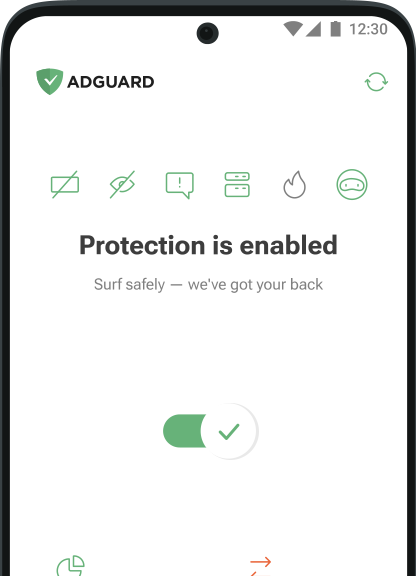
- Protects your privacyProtecting your data is our top priority. With AdGuard, you and your sensitive information are safe from any online tracker and analytics system that tries to spy on you while you surf the Web
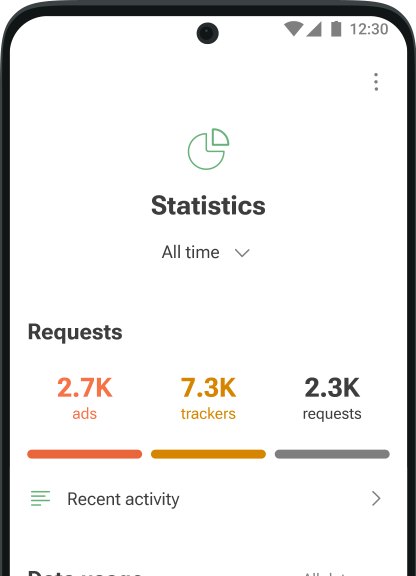
- Saves traffic and batteryMore ads blocked means fewer ads loaded. Fewer ads loaded means more traffic and battery life saved. Simple math by AdGuard! Download the installer, install the app, and spend your traffic on things you like instead of wasting it on voracious ads
- Gives you controlYou decide what to filter and block on your device. A wide range of settings, from basic to advanced, and an app management tool help you tailor the filtering to your needs and control how apps consume traffic and access the Internet
Try AdGuard — it will exceed your expectations
Latest news
AdGuard for Windows: stronger system-wide protection
Sep 9, 2025Learn how AdGuard for Windows blocks ads and trackers across browsers and apps on your PC.AdGuard for Windows v4.11: A small update with bug fixes
Aug 27, 2025This release includes some under-the-hood improvements, a substantial number of bug fixes, and a CoreLibs update.AdGuard for Windows v4.10: New HTTPS certificate installation flow
Jun 25, 2025In AdGuard for Windows v4.10, setting up the HTTPS certificate is now easier for everyone, regardless of their technical background.AdGuard v4.9 for Windows: Userstyles and increased stats
Apr 4, 2025We've added a major feature in AdGuard v4.9 for Windows: native support for userstyles! We also fixed a bug that caused statistics growth spurts
Rinan
Works great on Windows 10 and Windows 11.
Saves resources and blocks ads system-wide.
Chamidu kanishka Works perfectly on my Windows PC
harsha it works perfectly on Windows.
MaríaCarmen Excelente bloqueador para Windows
FAQ
- Browser extensions are usually limited to a specific browser and have much less powerful ad-fighting tools. AdGuard for Windows is a standalone app that can block ads and trackers in browsers and apps system-wide. Its filtering quality is much better.
- You can download AdGuard, a full-featured ad blocker for Windows, directly from our website.
- The free version is excellent at removing ads from browsers, but it can't filter apps and doesn't have features like Browsing Security, Tracking protection, and Userscripts. To enjoy the advanced features that will help you block trackers and dangerous websites, get the paid version.
- Visit our Knowledge base to learn how to install AdGuard Ad Blocker for Windows.
- To learn more about the key features of AdGuard for Windows and how to get rid of ads on your PC, read our Knowledge base article.
- Administrator rights are needed only during installation. After that, AdGuard runs normally and filters traffic system-wide.
- You can easily use AdGuard with AdGuard VPN. Their integration is automatically enabled once both apps are up and running.Yes. AdGuard for Windows works well with most VPN apps. If you notice conflicts, try changing the filtering mode or VPN settings.Also, VPNs like PIA VPN or Nord VPN allow you to use an upstream proxy — check if your VPN has this option.
- If you have any questions, you can contact us 24/7 at [email protected]. It's a good idea to check our FAQ first: it contains answers to 90% of user questions.